Your customers can pay for orders with a credit card on the portal, but you can also process payments on the CRM side. By default you can process Credit Card, Cash, or Check payments through the Process Payment Wizard in CRM. Payment can be processed for any active order or invoice.
Navigate to the contact record the payment will be from.
In many cases, the payment is for that person's orders, but you can pay any order from the process payment wizard, so you want to start with which contact the payment record needs to be linked to.
Use the More Commands button to select the Process Payment Wizard.

Select the order or orders you wish to pay and select payment type.

For Credit Card Payment enter in the Credit Card information and Click Continue.

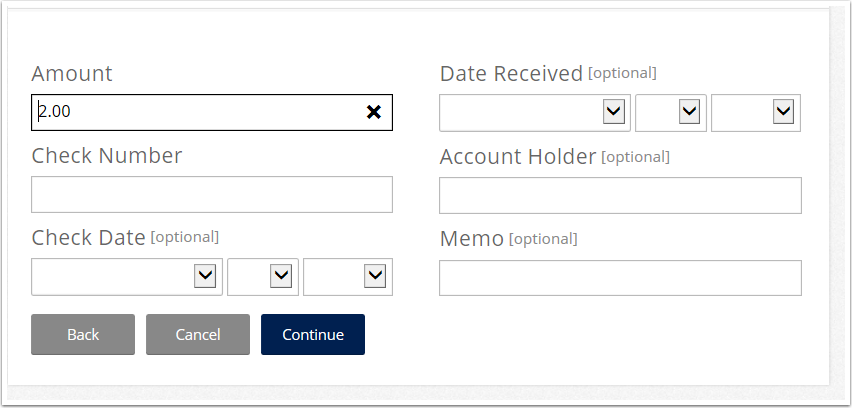
For Check enter as much information as you need and click Continue
Once you click continue or select cash as your payment type you will be taken to a summary screen to confirm the transaction. If correct, select submit.

0 Comments